alfred-zap
Zap
Zap is a lightweight, high-performance Alfred Workflow designed to manage and launch your favorite URLs with lightning speed. Stop digging through folders or browser tabs—just type, zap, and go.
中文说明 · English
Get Started
To get started, install Zap in Alfred by downloading the release package, then double-clicking it (or dragging it into Alfred’s Workflows list).
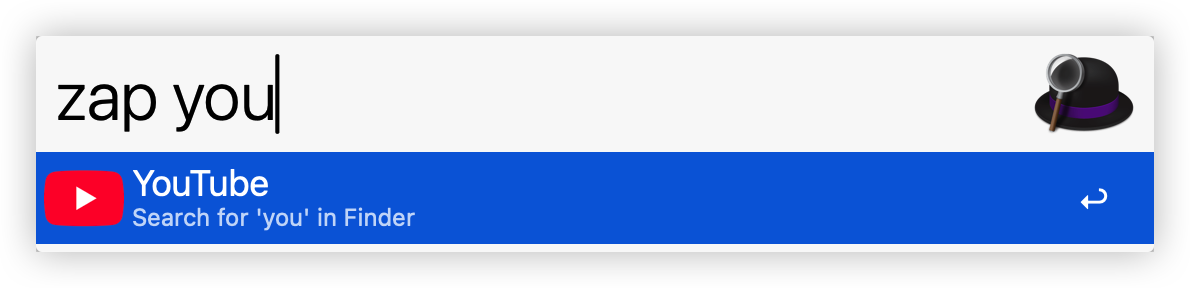
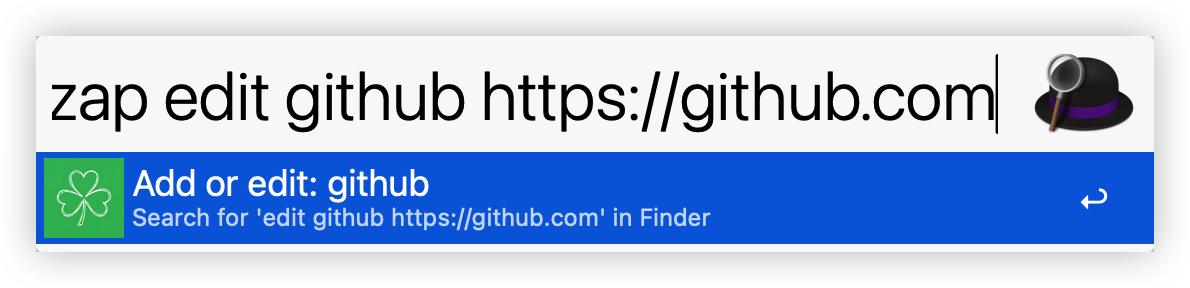
zap <title>: search bookmarks.zap edit <title> [url]: add or edit bookmark.- If
urlis omitted, an AppleScript dialog asks for URL.
- If
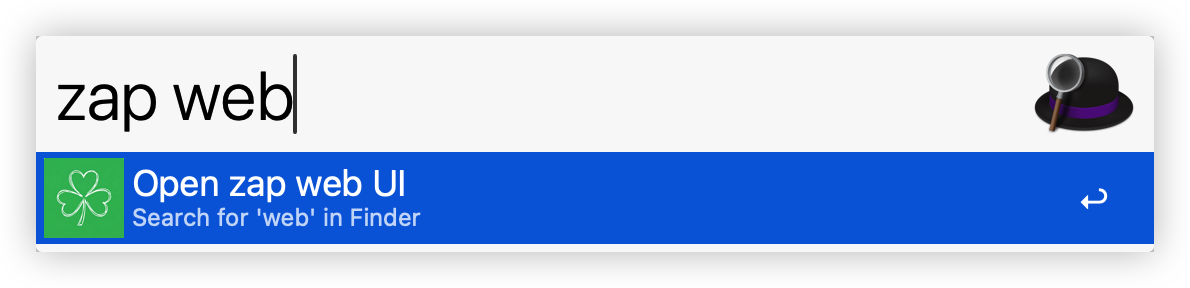
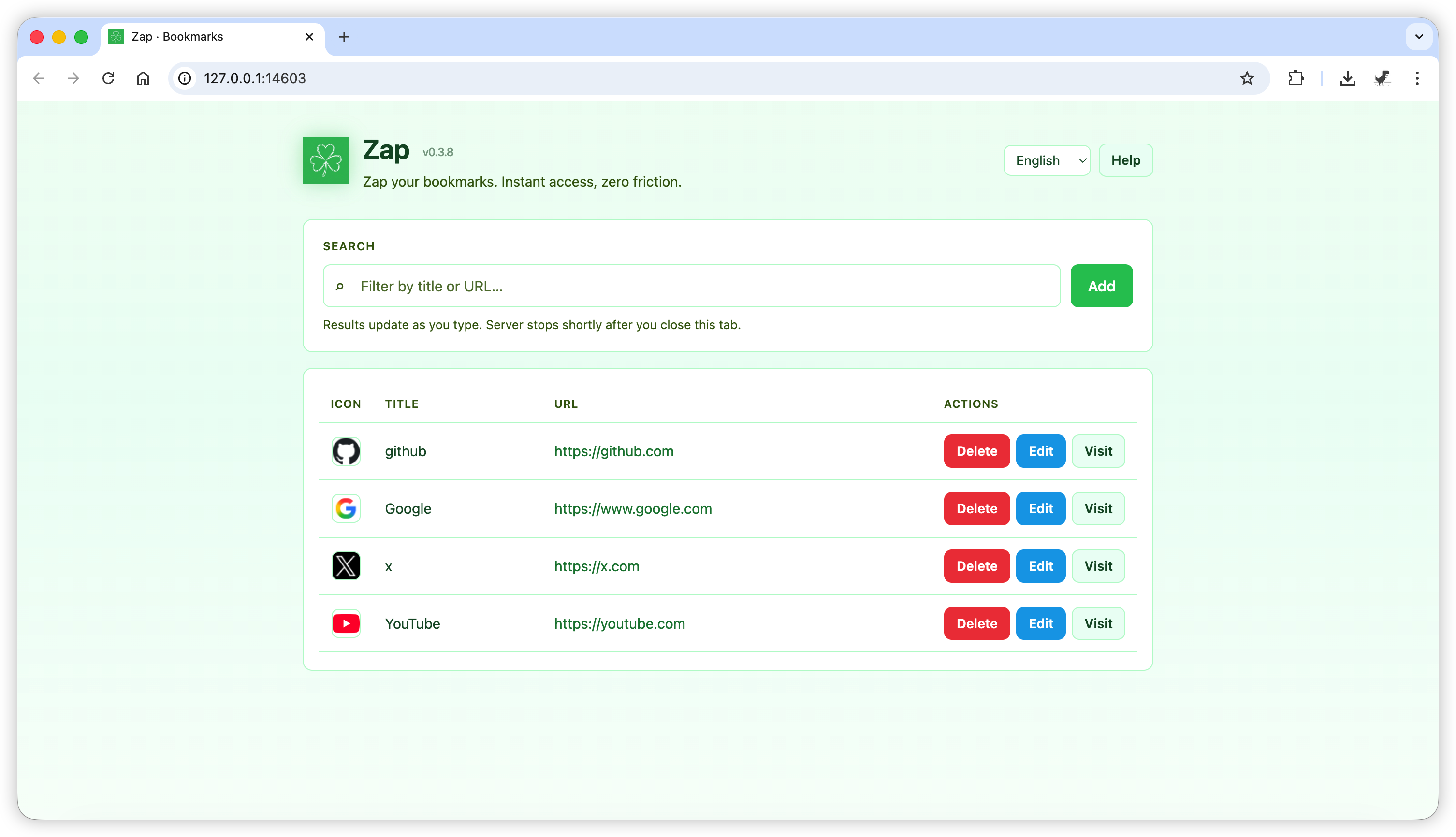
zap del <title>: delete bookmark with a confirmation dialog.zap web: open web page for bookmark CRUD.
Screenshots
Project layout
zap/
├── README.md                 # this file — developer / repo overview (English)
├── README.zh.md              # Chinese readme
├── Makefile
├── pyproject.toml            # release version (PEP 621); dev deps + pytest config
├── _zap_build_meta.py        # setuptools marker for `pip install -e ".[dev]"`
├── tests/                    # pytest (see CI section)
├── .github/workflows/        # GitHub Actions CI
├── promot.md
├── scripts/
│   └── build_workflow.py     # pack workflow → dist/
├── workflow/                 # Alfred bundle source (edit scripts & plist here)
│   ├── README.md             # user-facing readme; build → info.plist __ZAP_README__
│   ├── info.plist
│   ├── zap.py
│   ├── action.py
│   └── web/                  # local web UI (server.py + static/)
│       ├── server.py         # HTTP handler + static file serving
│       └── static/           # index.html, styles.css, app.js
└── dist/                     # generated by `make pack` / `make release` (names differ by channel)
    ├── zap-test.alfredworkflow # `make pack` (test channel)
    ├── zap-test-workflow/      # unpacked test build
    ├── zap.alfredworkflow      # `make release` — publish / GitHub Releases
    └── zap-workflow/           # unpacked release build
Data storage
- Bookmarks are stored under
~/.config/alfred/zap/(zap.jsonandicon/).
Alfred node reference (for contributors)
This describes what the bundled workflow contains. End users do not follow these steps when installing; use the section above.
The canvas is a linear chain: Script Filter → Run Script → Post Notification. http/https items are opened from action.py via macOS open (with AppleScript fallback).
Workflow variable: DATA_PATH (default ~/.config/alfred/zap in the bundle) sets the bookmark store; see workflow/info.plist variables.
-
Script Filter (keyword
zap)- Language:
/bin/bash(type0in plist). - Keyword + space:
withspaceis on—Alfred waits forzap+ space, then passes the rest of the query to the script.argumenttreatemptyqueryasnilis on (empty tail handled per Alfred’s rules). - Input: argv (
scriptargtype1), not{query}embedded in the script string. - Script:
/usr/bin/python3 "$PWD/zap.py" --script-filter "$1". - Escaping: None (
escaping0). - Output: Alfred JSON from
zap.py.
- Language:
-
Run Script
- Script:
/usr/bin/python3 "$PWD/action.py" "$1"(argv input). Receives the selected item’sarg(same shell / argv style as the filter). - Behavior: If
argis anhttp/httpsURL,action.pyopens it; ifargisweb, it startszap.py webin the background; otherwise it runszap.py --action …with that payload.
- Script:
-
Post Notification (“Zap notify”)
- Shows
{query}from the previous step when non-empty (onlyshowifquerypopulated), so stdout fromaction.py(e.g. “Opened web.”) can surface as a notification.
- Shows
If behavior breaks after you edit the workflow, re-import the .alfredworkflow from dist/ (see Output below) or compare your nodes to workflow/info.plist.
Build package
Release version
The published workflow version is pyproject.toml [project] version (PEP 621), e.g. 0.1.0. Bump that field before a real release, then build with make release (or python3 scripts/build_workflow.py --channel release). The script does not modify pyproject.toml. It reads that version, injects it into the bundle, and updates workflow/info.plist to match.
--version and ZAP_VERSION are ignored for release builds (and --version with --channel release is an error). If info.plist already differs from pyproject.toml, you get a warning but the build still uses the pyproject value.
Common practice after release: tag the commit with v{x.y.z} (e.g. v0.1.0). Optional: maintain CHANGELOG.md (Keep a Changelog).
Test / daily builds (make pack)
For try-out packages, use --channel test (default). The script reads workflow/info.plist, suggests patch +1, and prompts:
Version [0.1.1]:
Press Enter to accept, or type another x.y.z. After a successful build, workflow/info.plist is updated to the version you chose. The only placeholder kept in source info.plist is __ZAP_README__ (filled from workflow/README.md); description and Script Filter subtext are plain English in the plist.
Non-interactive / CI (test channel only):
ZAP_VERSION=0.2.0 python3 scripts/build_workflow.py --channel test
python3 scripts/build_workflow.py --channel test --version 0.2.0
If stdin is not a terminal and ZAP_VERSION / --version are unset, the suggested bump is used automatically.
Commands
make pack     # test channel
make release  # release channel from pyproject.toml version
make install  # pack first, then open dist/zap-test.alfredworkflow in Alfred
Direct script:
python3 scripts/build_workflow.py --channel test
python3 scripts/build_workflow.py --channel release
taskipy (optional): task pack, task release, task pack -- --version 0.2.0
Output
Test channel (make pack, default script): dist/zap-test.alfredworkflow and dist/zap-test-workflow/ (unpacked).
Release channel (make release): dist/zap.alfredworkflow and dist/zap-workflow/ (unpacked). This keeps the stable filename expected by .github/workflows/release.yml.
CLI debug usage
cd workflow
python3 zap.py edit google https://google.com
python3 zap.py "goo"
python3 zap.py del google
python3 zap.py web